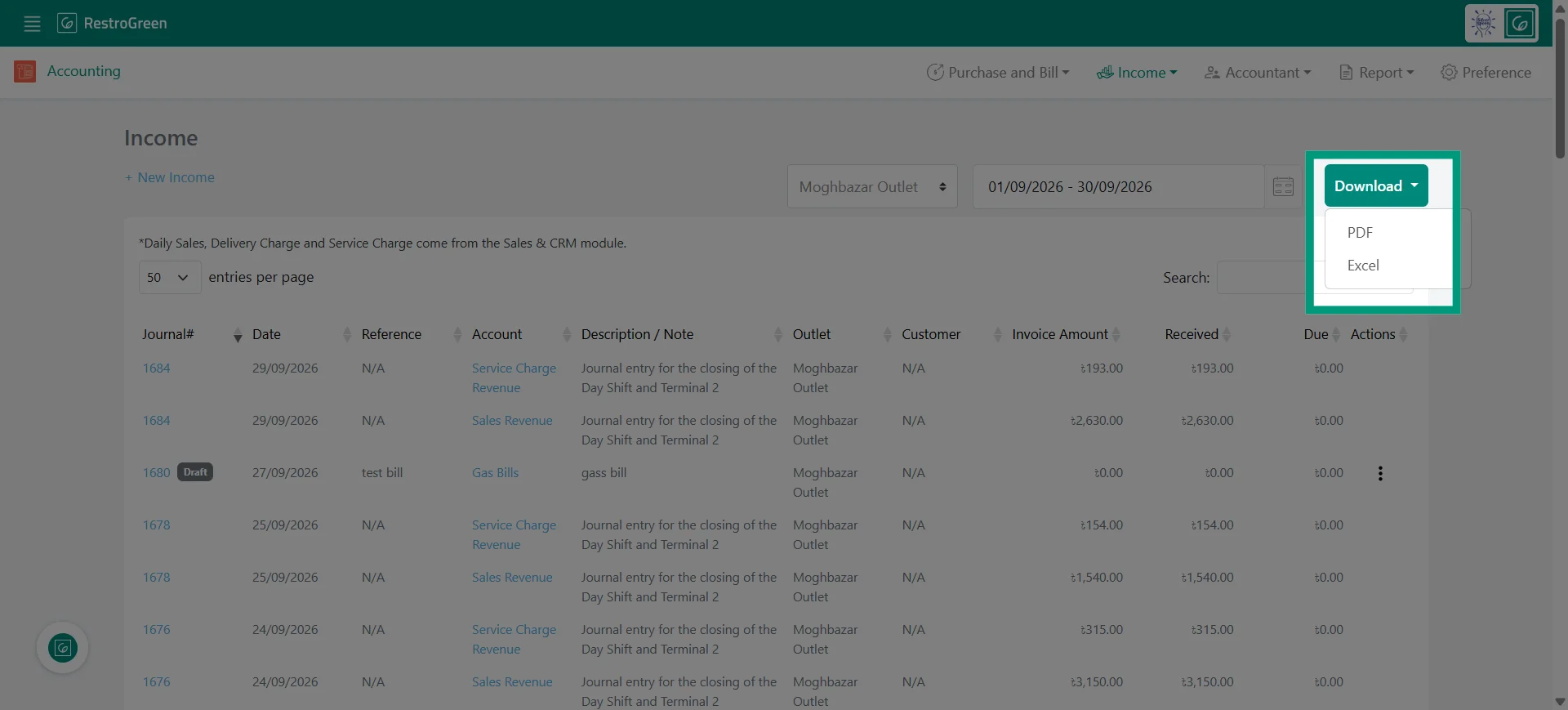
How to Generate Restaurant Income Report in RestroGreen
This tutorial guides you through generating and exporting a restaurant income report using
Business Portal
Go to
restrogreen.quicklyservices.com
1. Go to the Business Portal
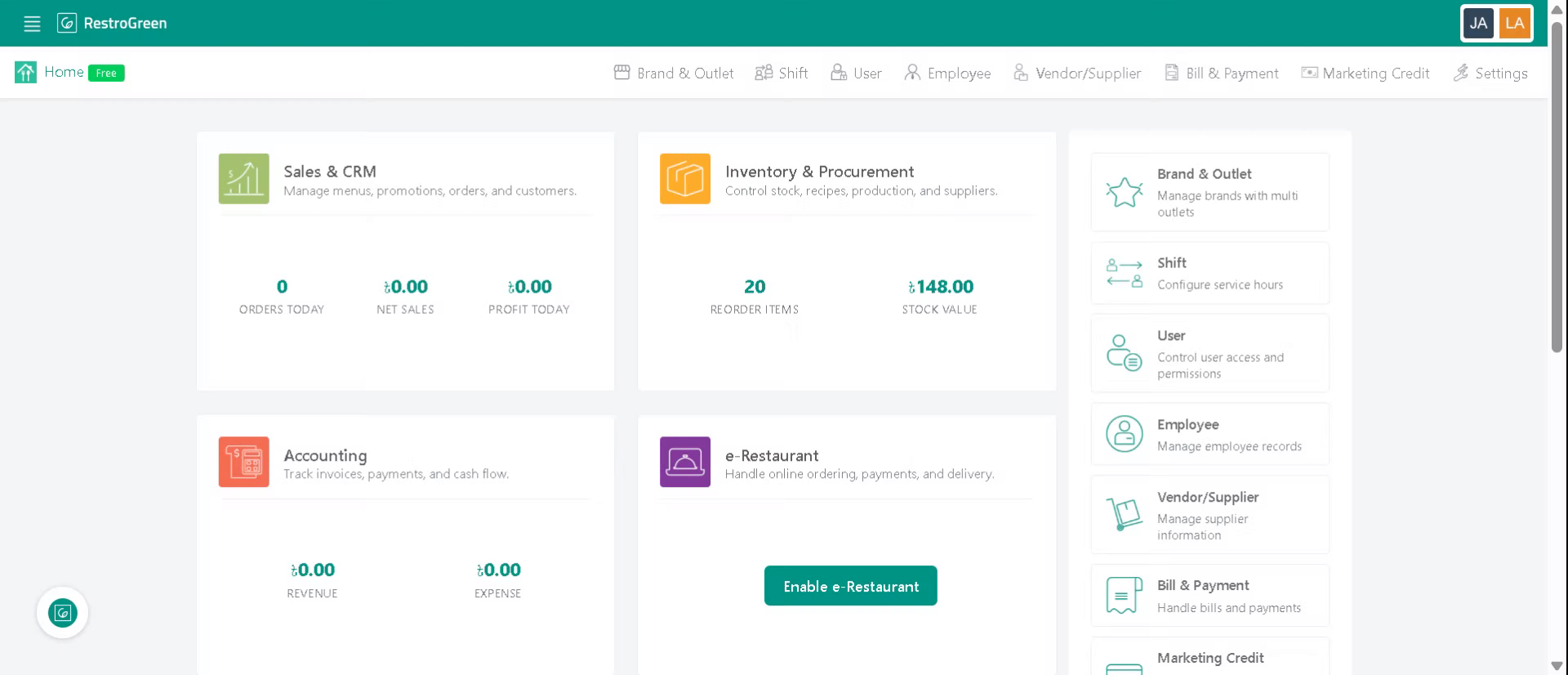
2. Click the Accounting module
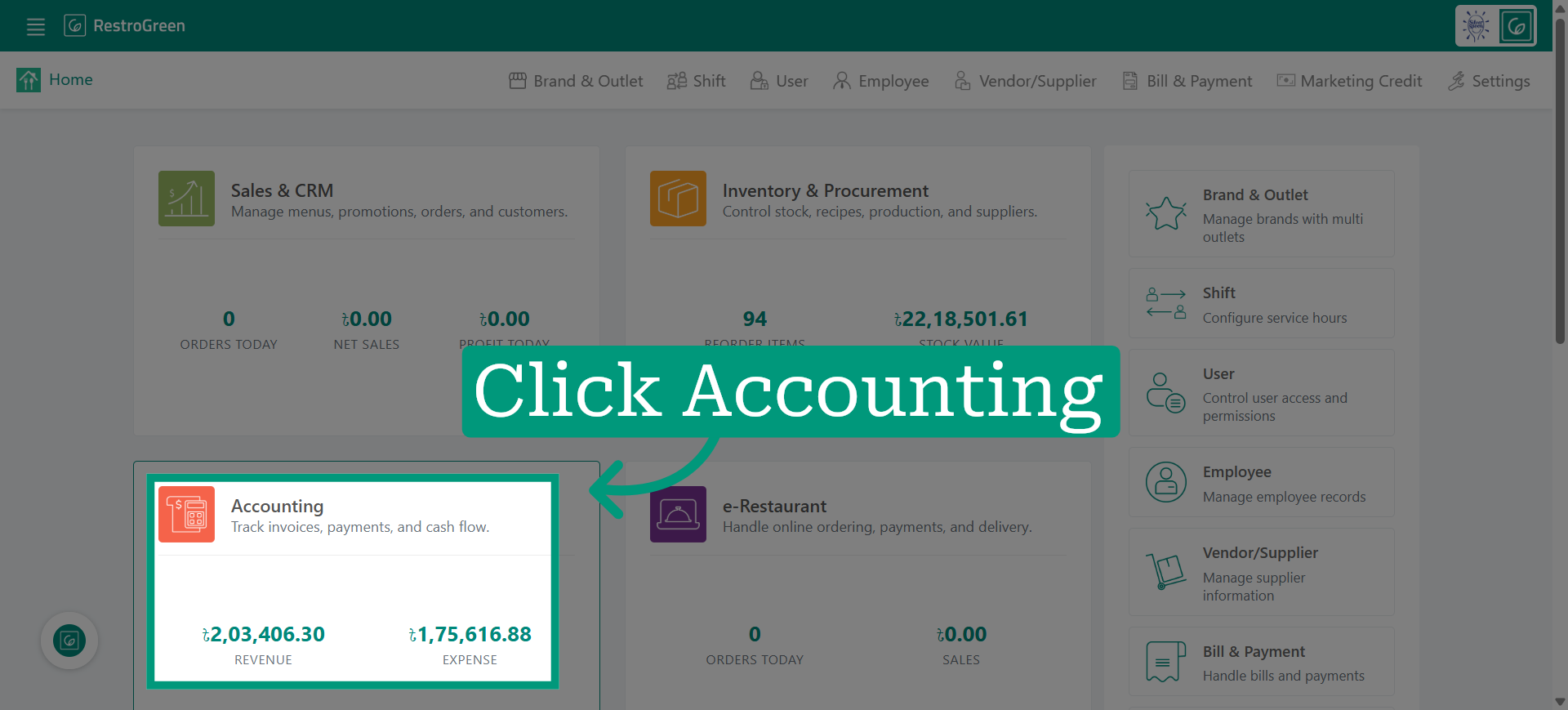
3. Click the Income List to view all income records in the Business Portal
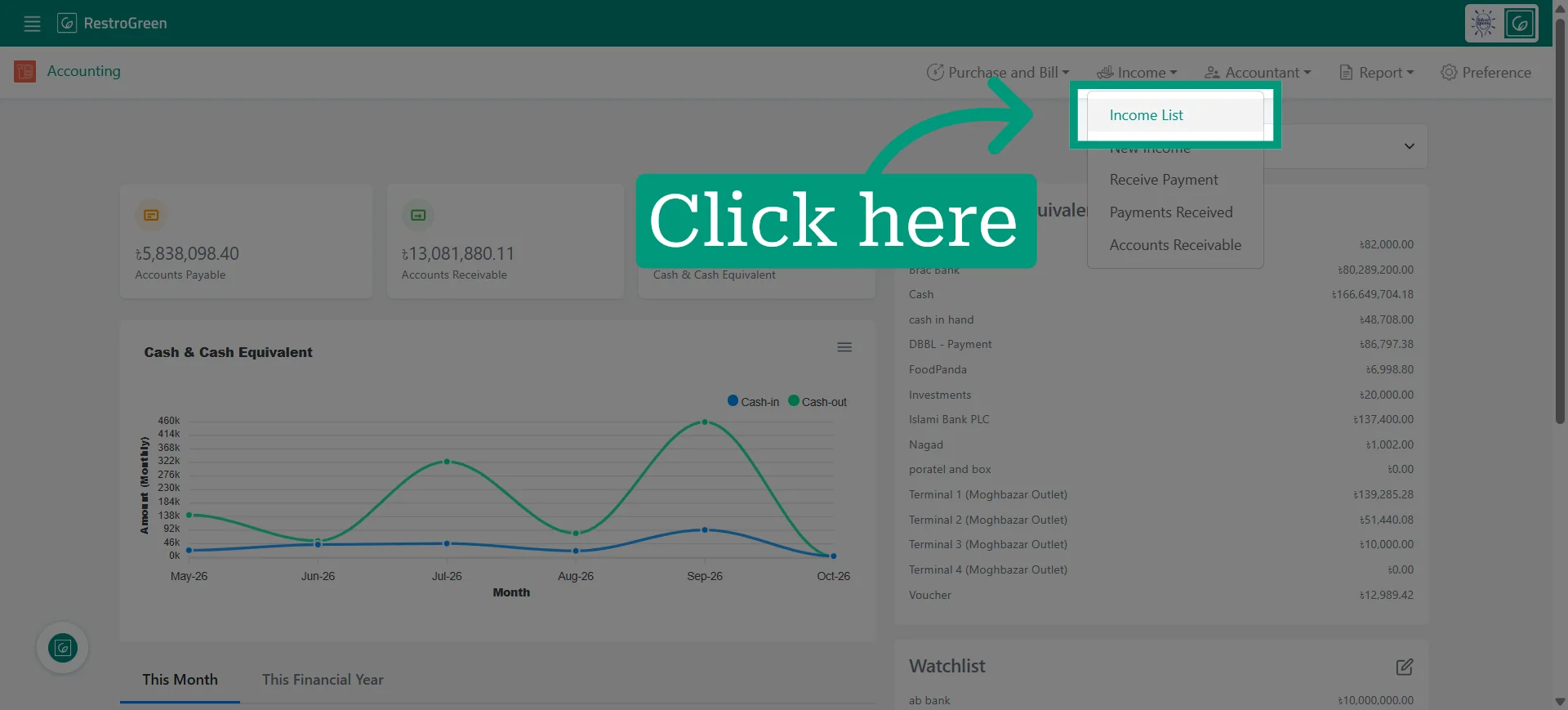
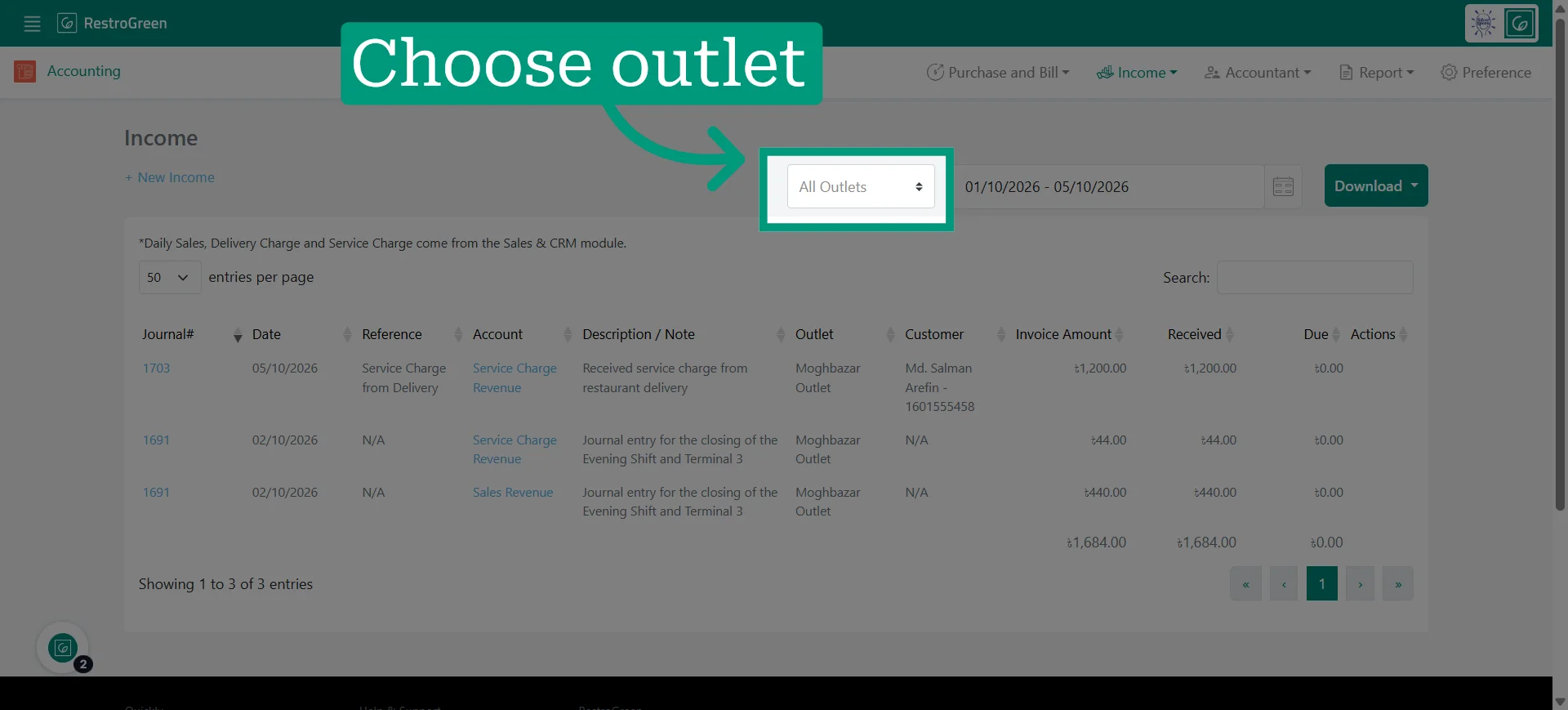
4. Specify outlet for this report
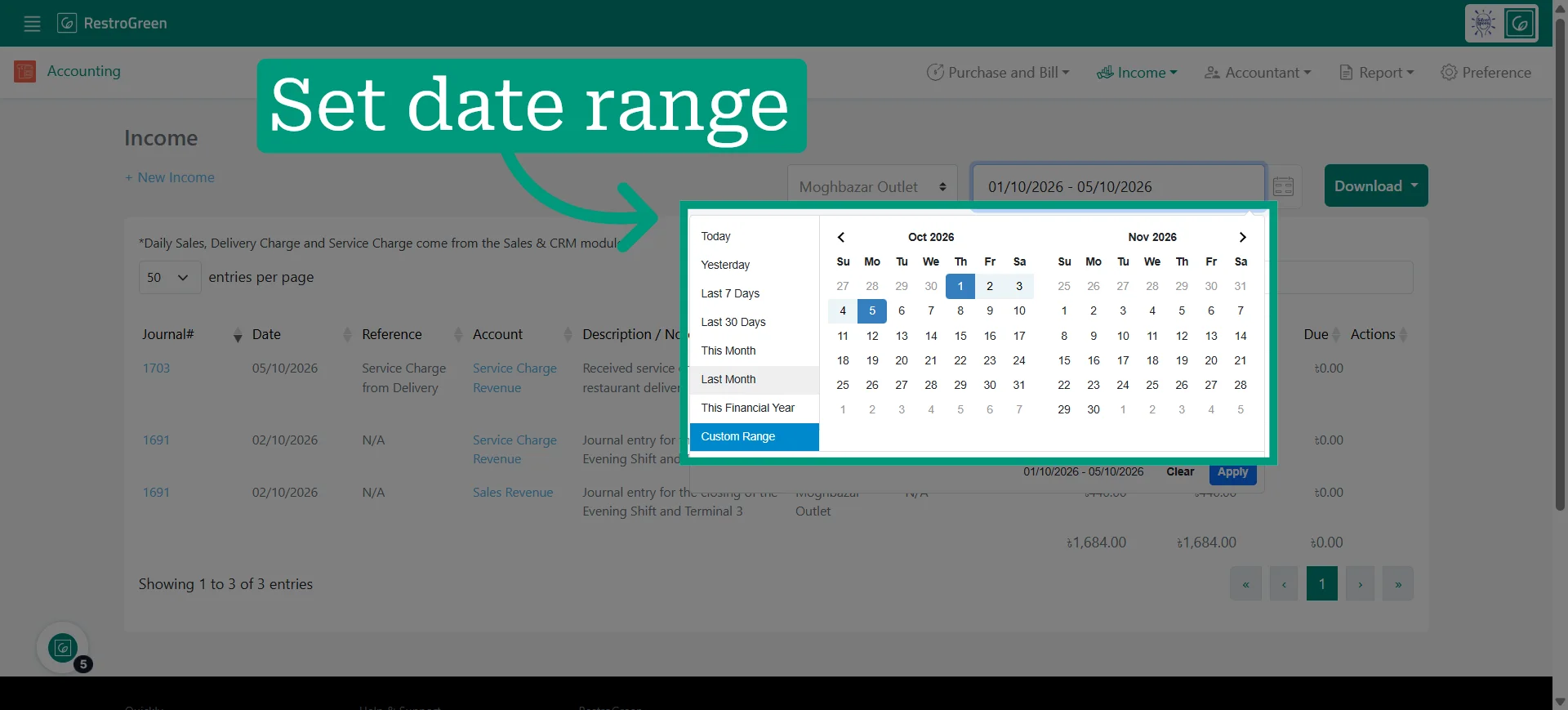
5. Set date range for report
6. Access the export options to download the report in your preferred format
Select PDF or Excel to download the report