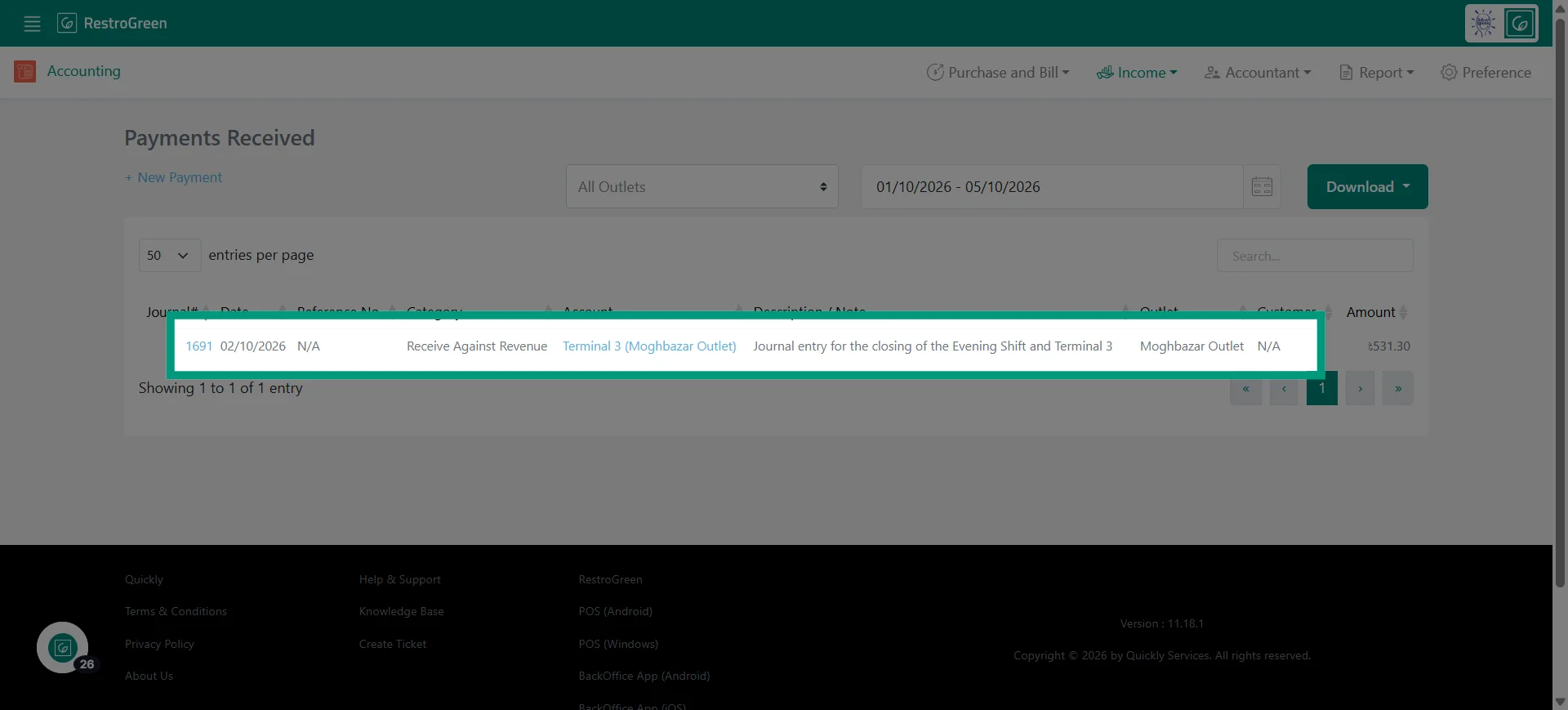
How to Record Advance Customer Payments in RestroGreen Accounting Module
This tutorial guides you through recording an advance payment received from a customer using
the Accounting module in RestroGreen.
Go to
restrogreen.quicklyservices.com
1. Go to the Business Portal
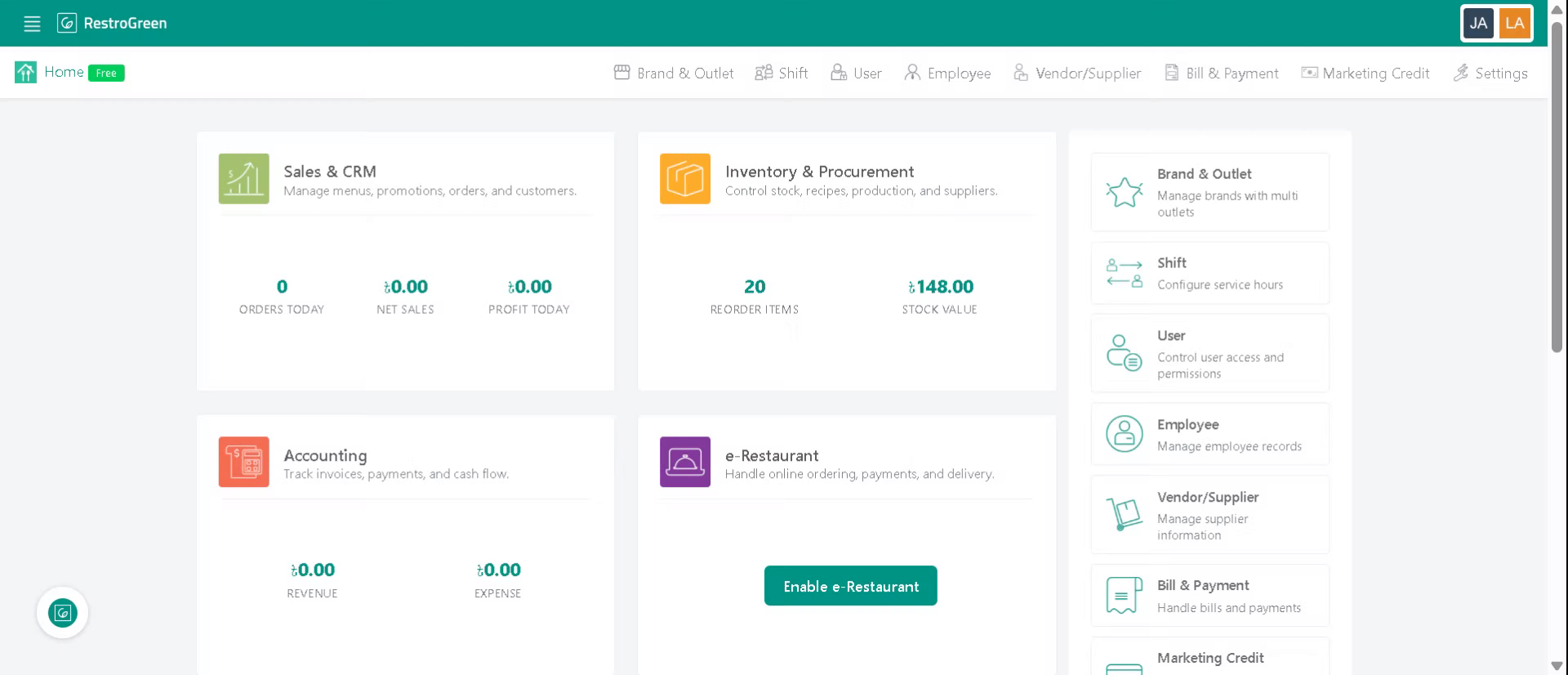
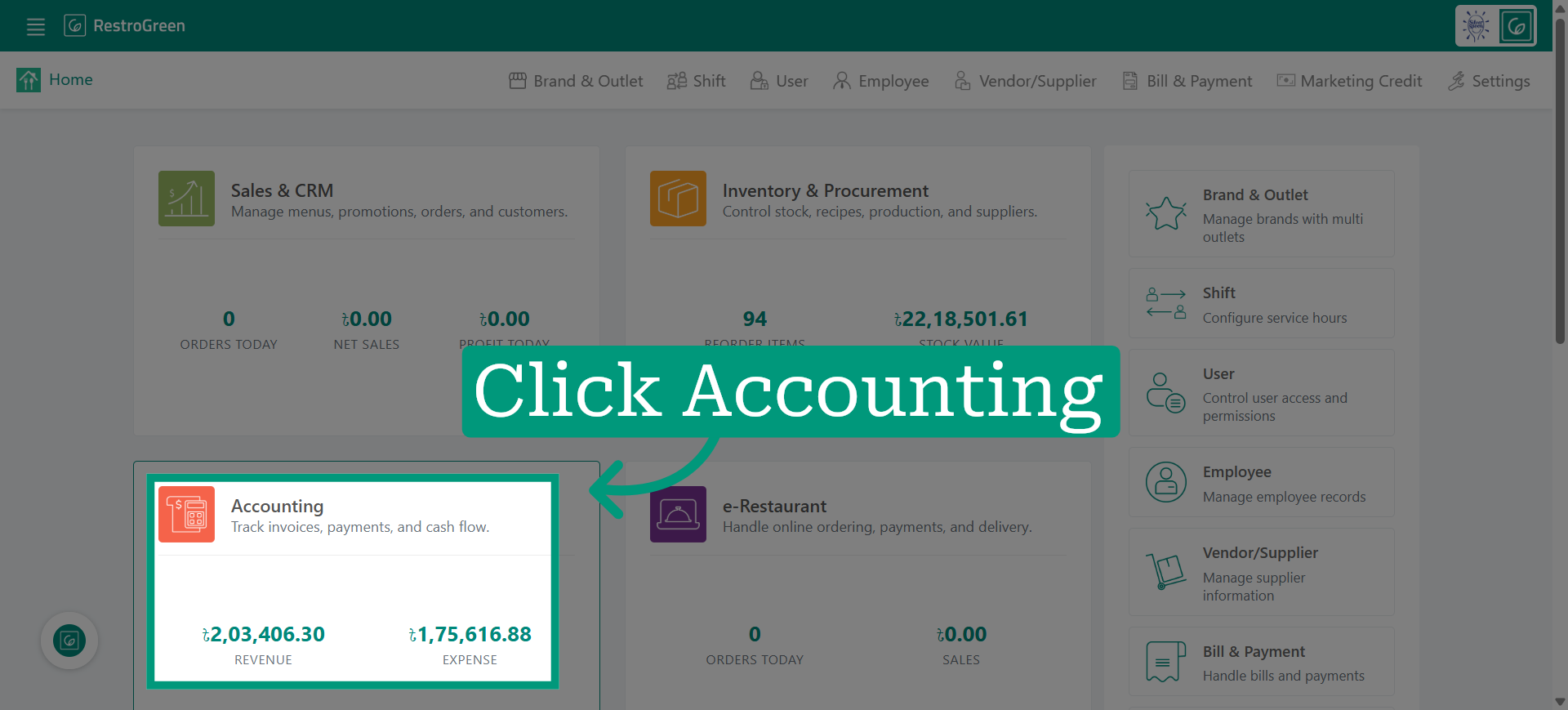
2. Click the Accounting module
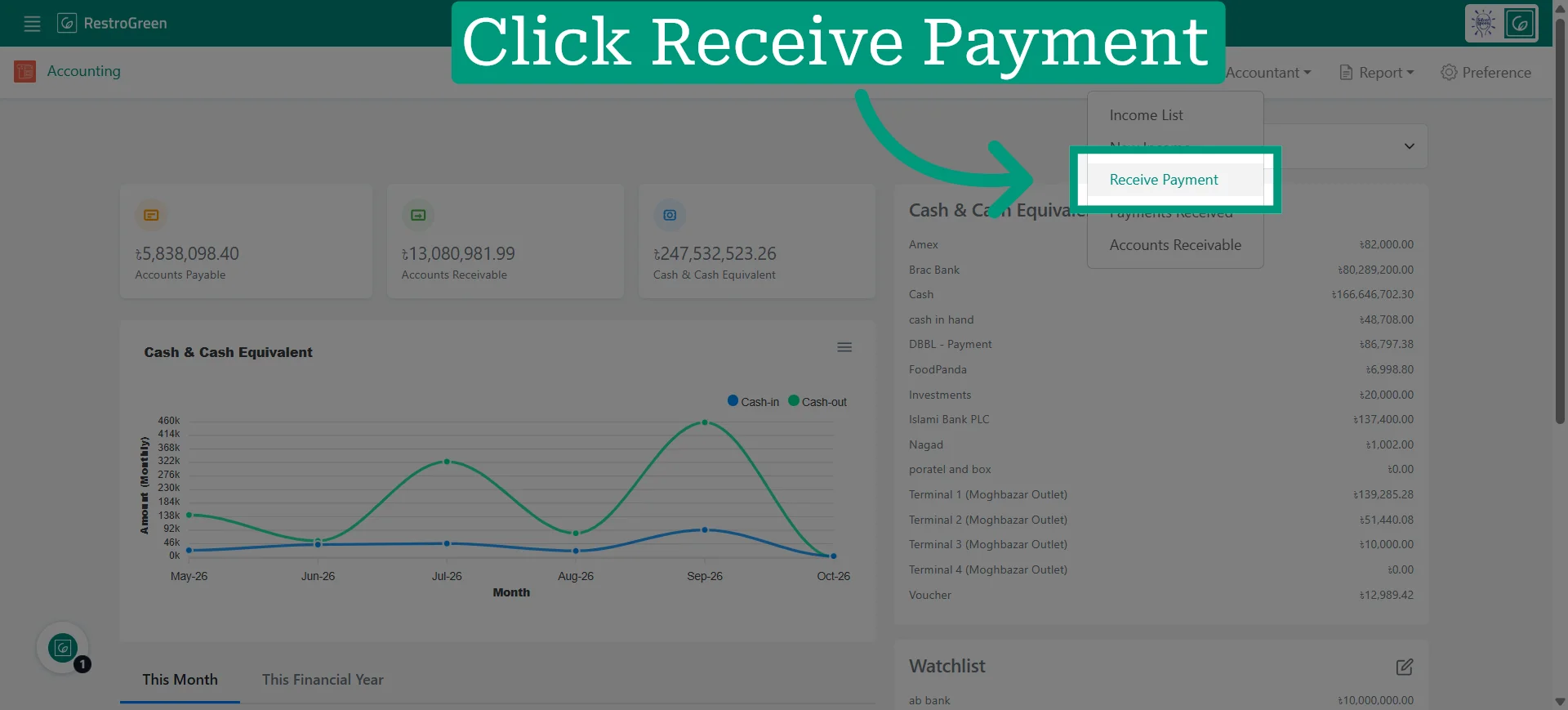
3. Click Receive Payment from the Income dropdown menu
4. Specify the type of payment you want to receive
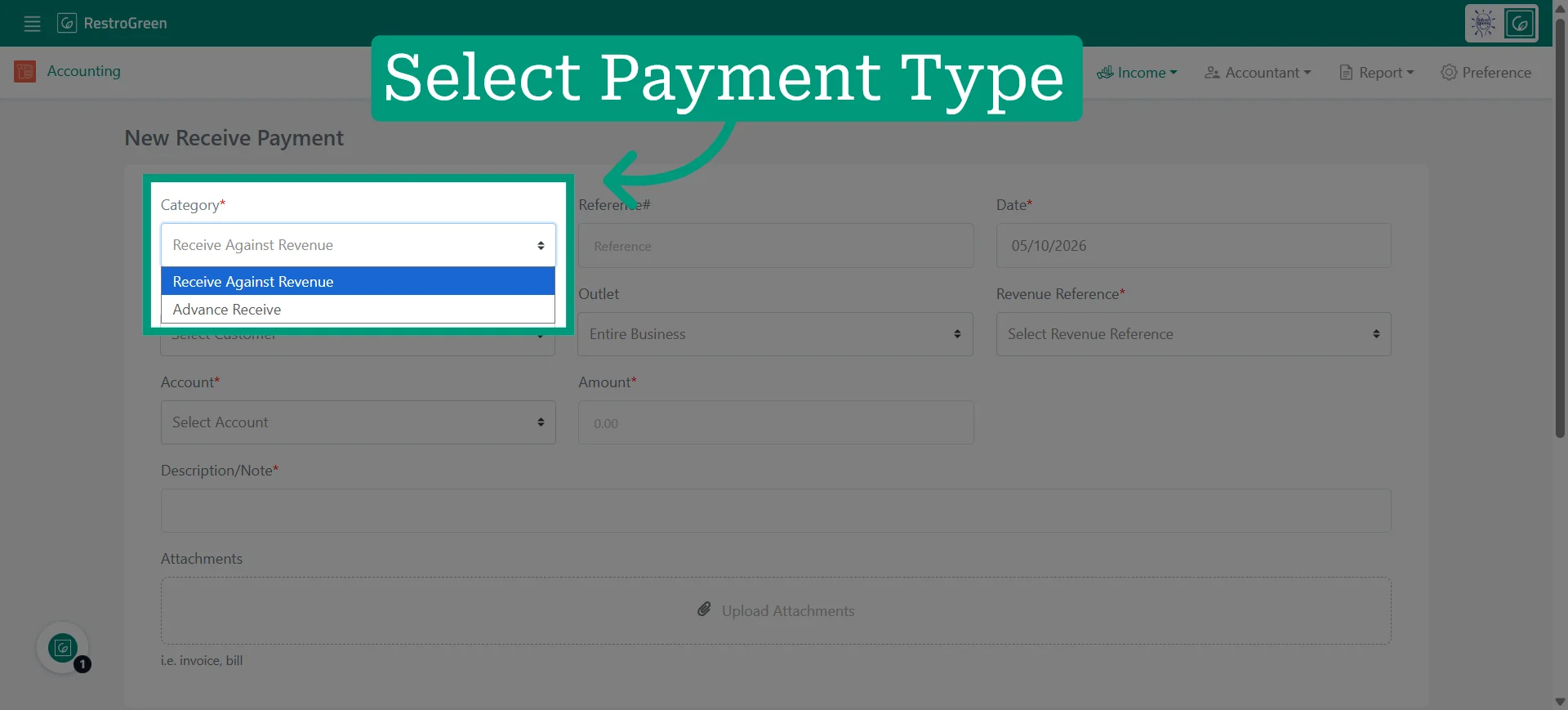
5. Specify the date of the payment
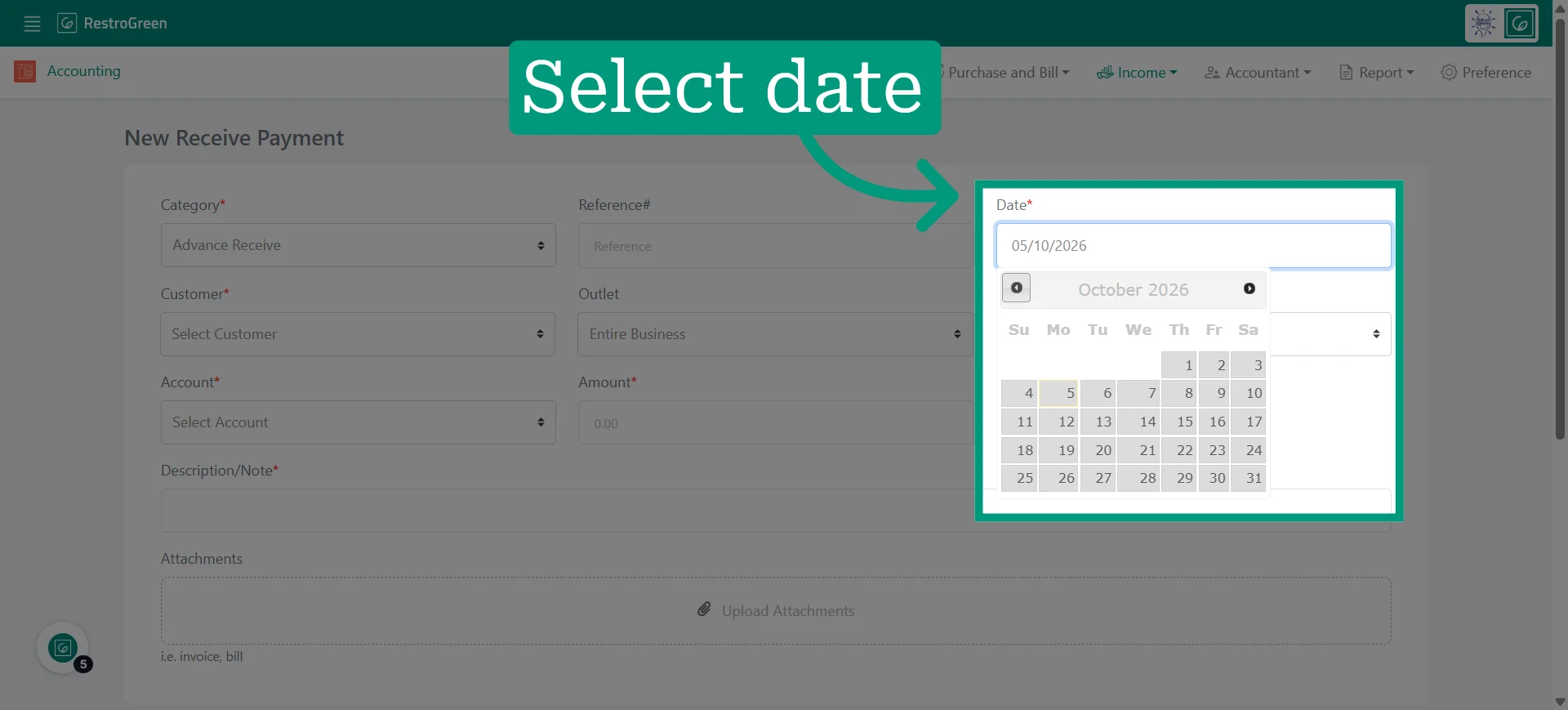
6. Select the appropriate customer account from the list to link the payment
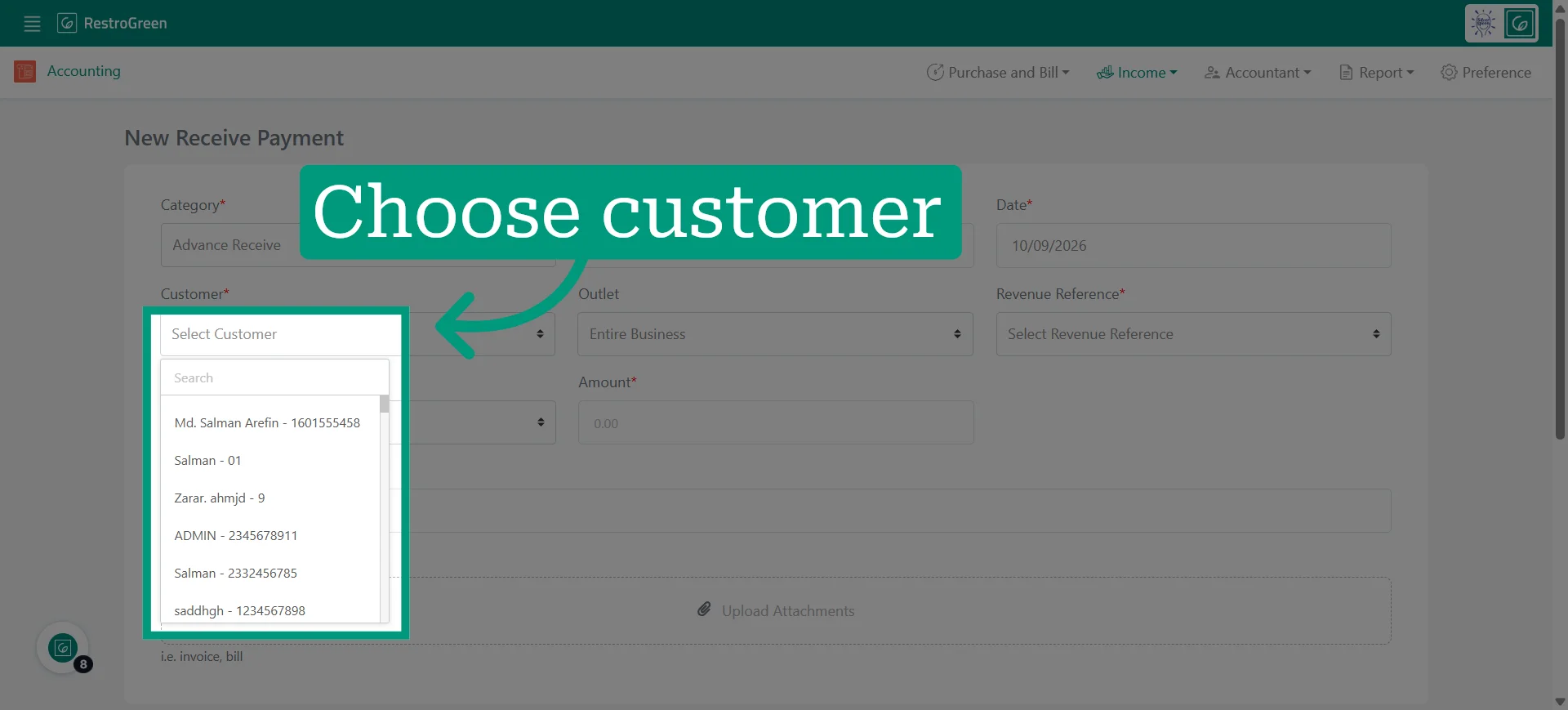
7. Specify the outlet location where the payment was received
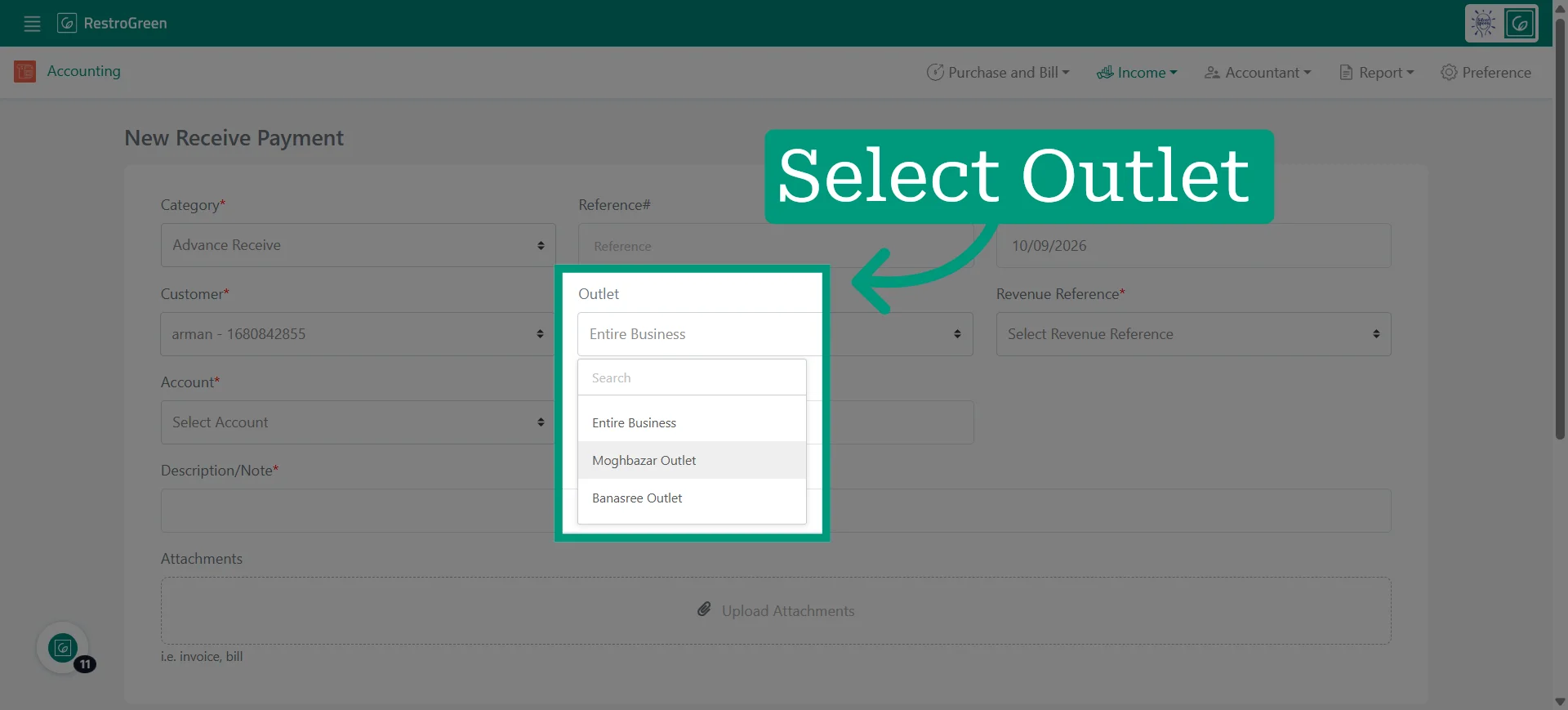
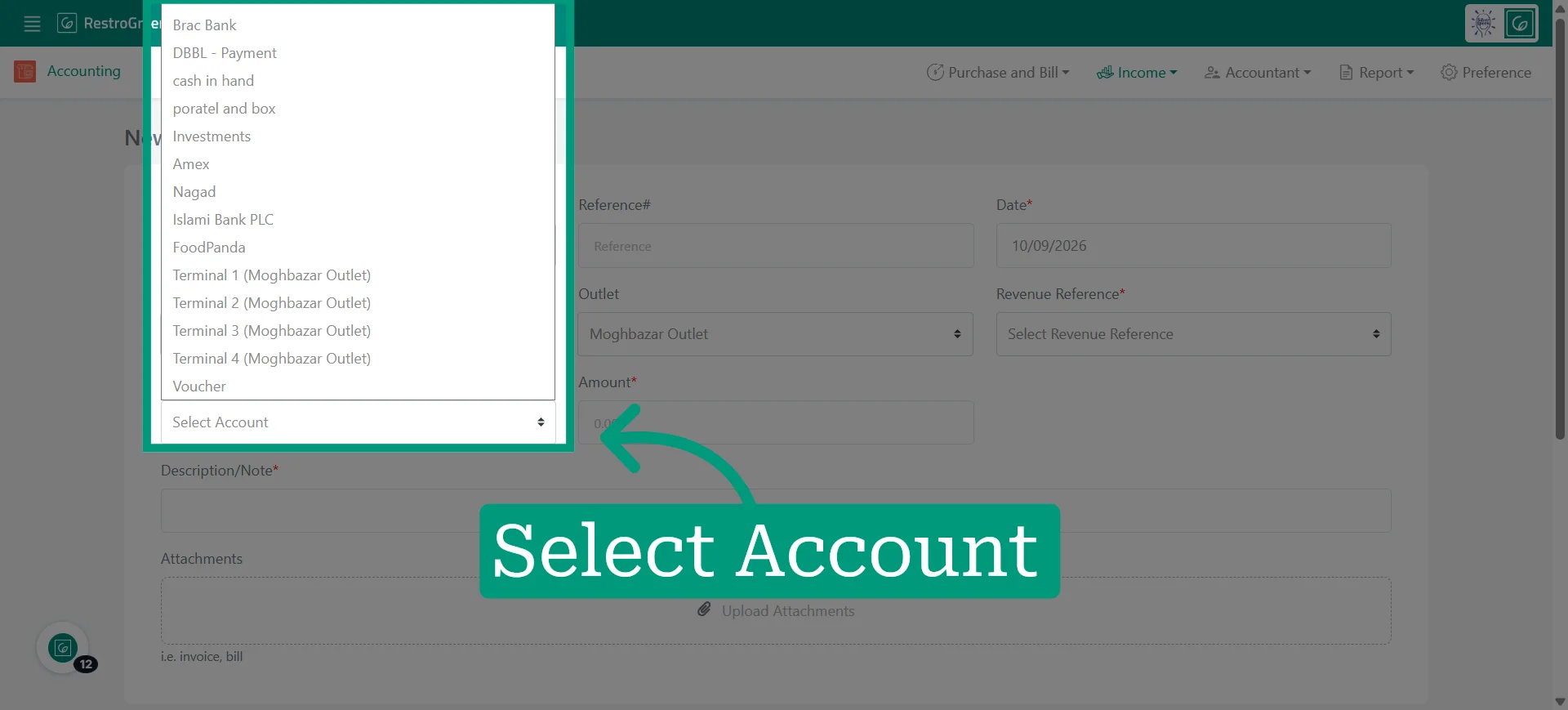
8. Choose the account that will receive the payment
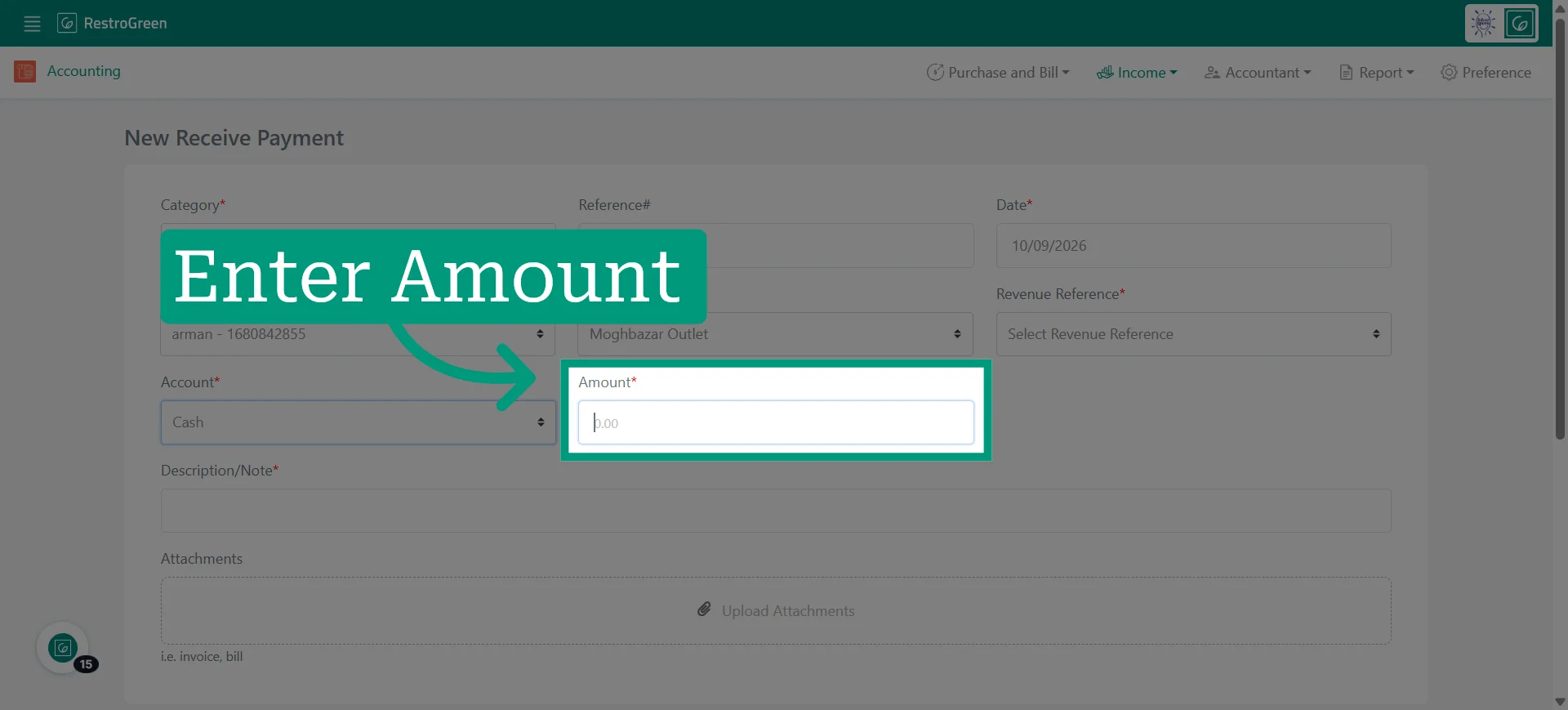
9. Enter the payment sum being received
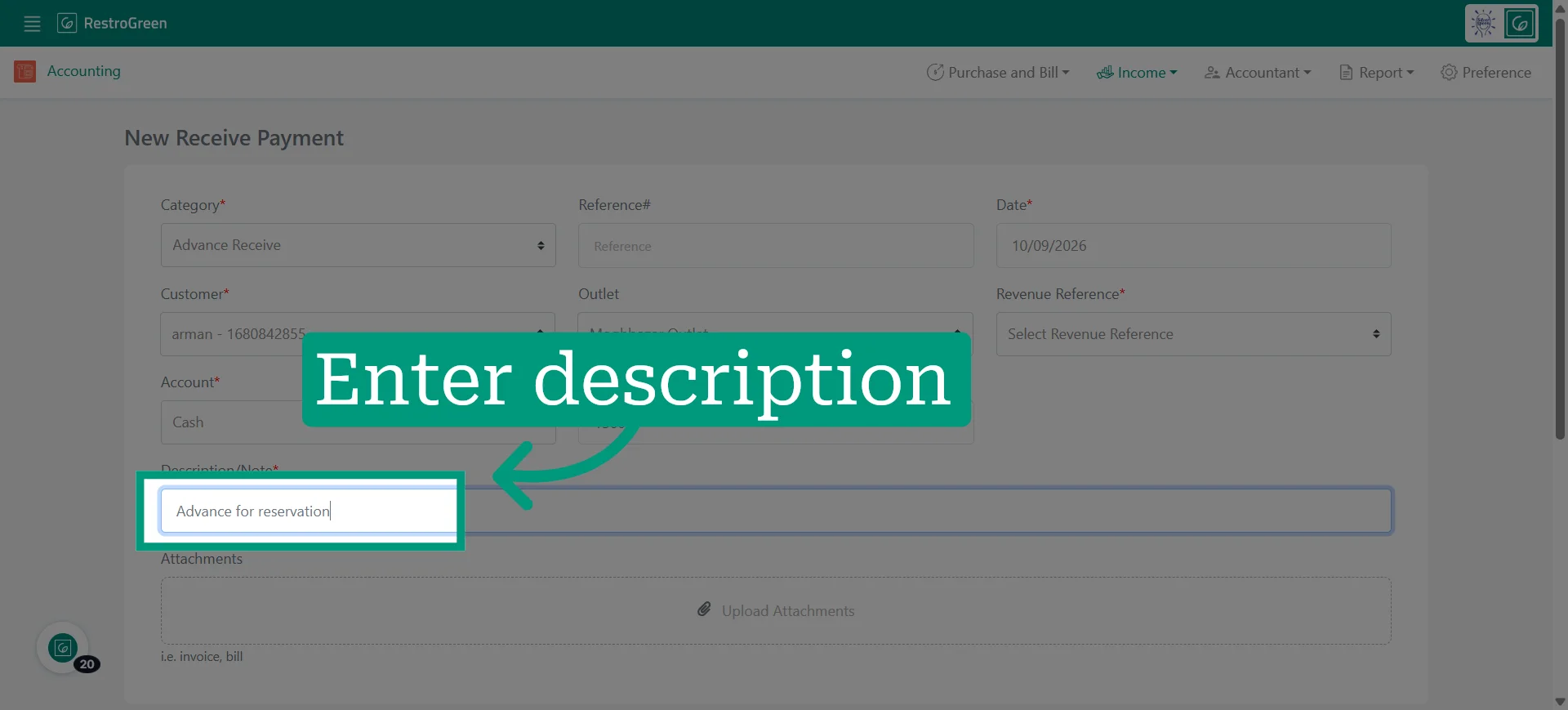
10. Add a description to clarify the purpose of the payment
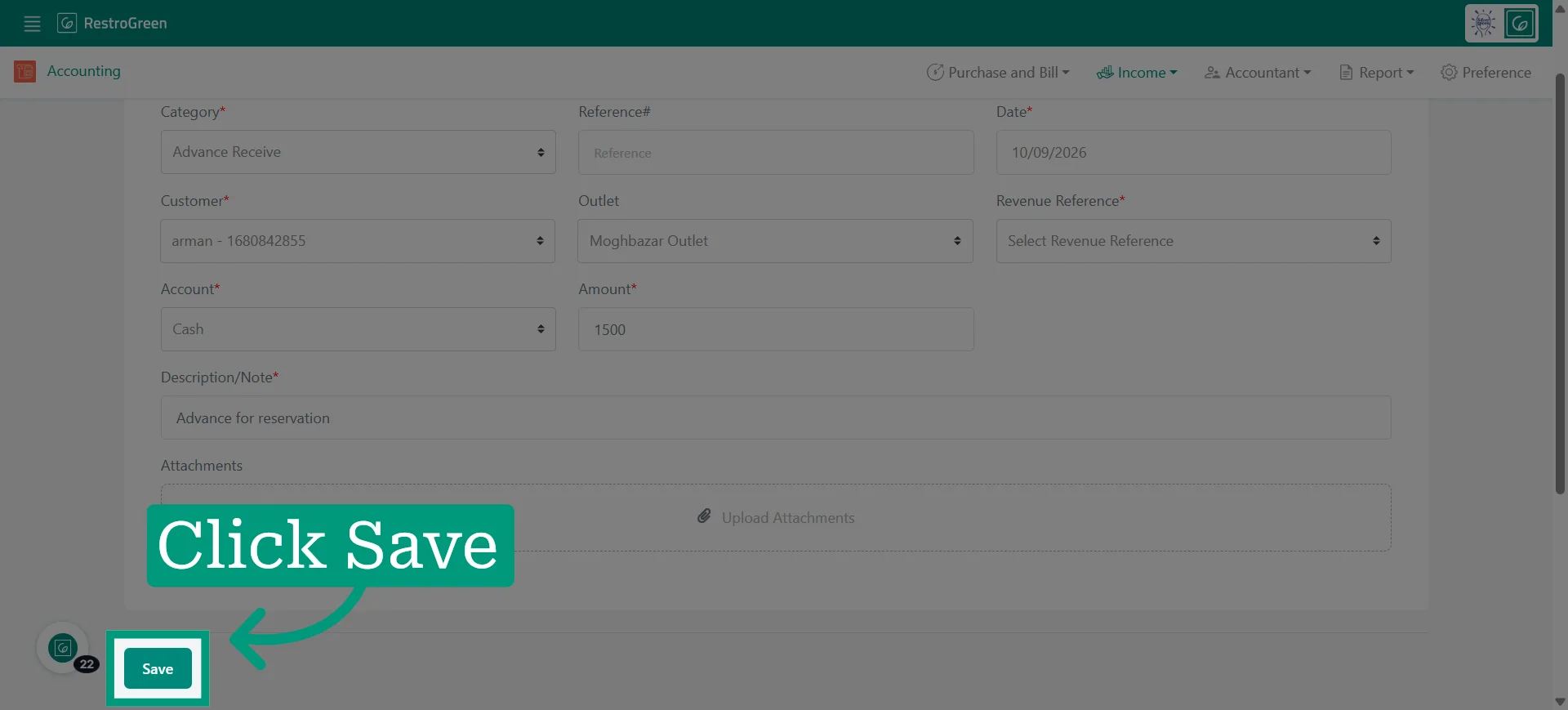
11. Save all entered payment information to finalize the transaction in the system
12. Here's the payment in "Payments Received" dashboard in the system