How to Receive Payment Against Accounts Receivable in RestroGreen
This tutorial guides you through receiving a payment against an outstanding accounts receivable
in RestroGreen.
Go to
restrogreen.quicklyservices.com
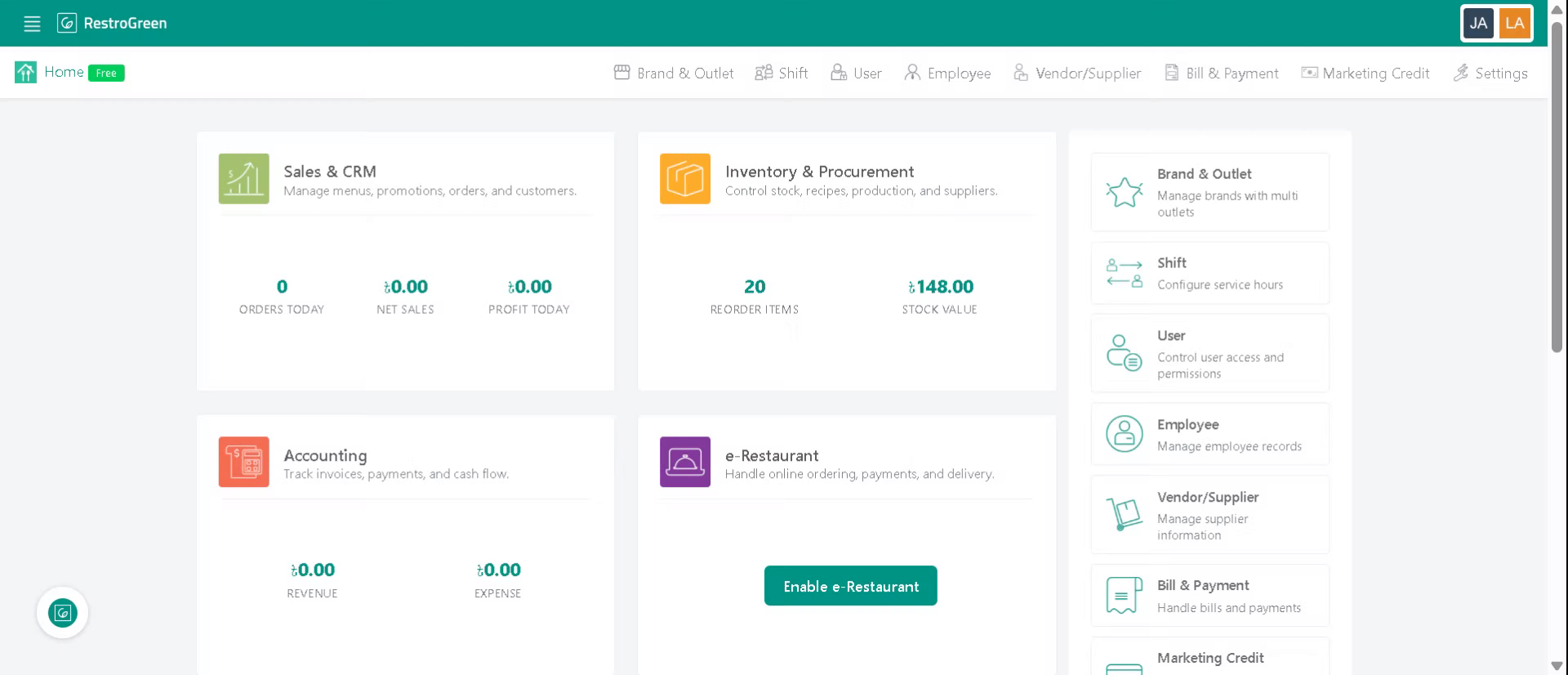
1. Go to the Business Portal
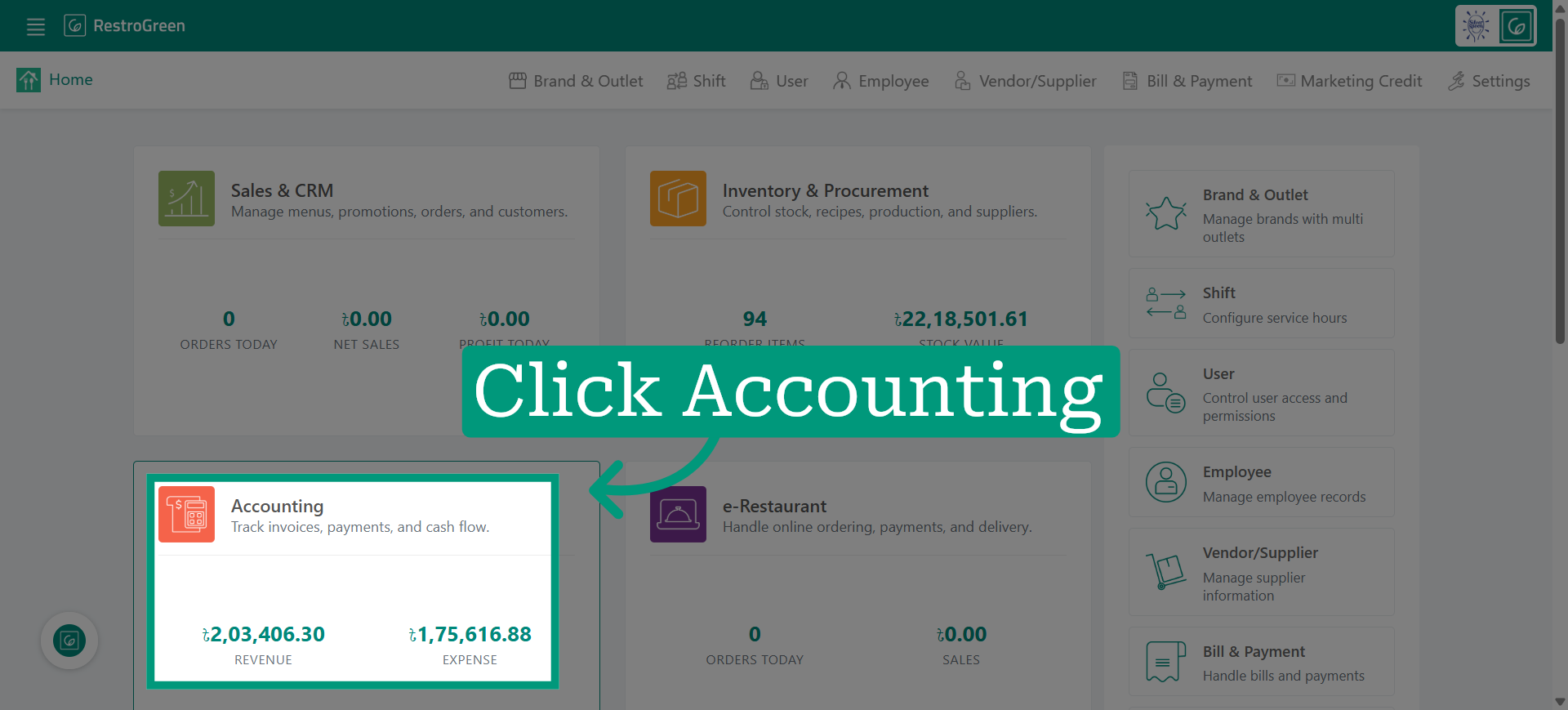
2. Click the Accounting module
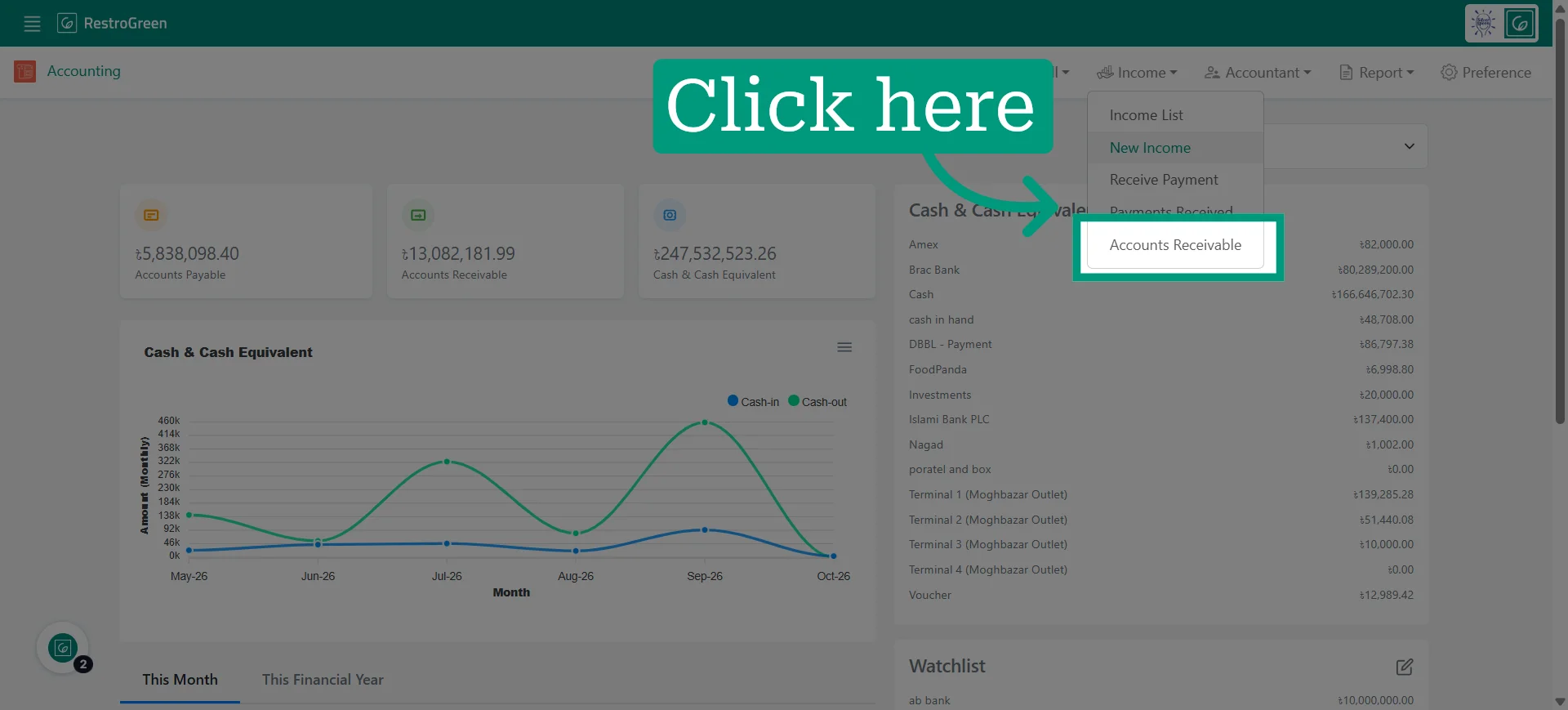
3. Click "Accounts Receivable" from the Income dropdown menu
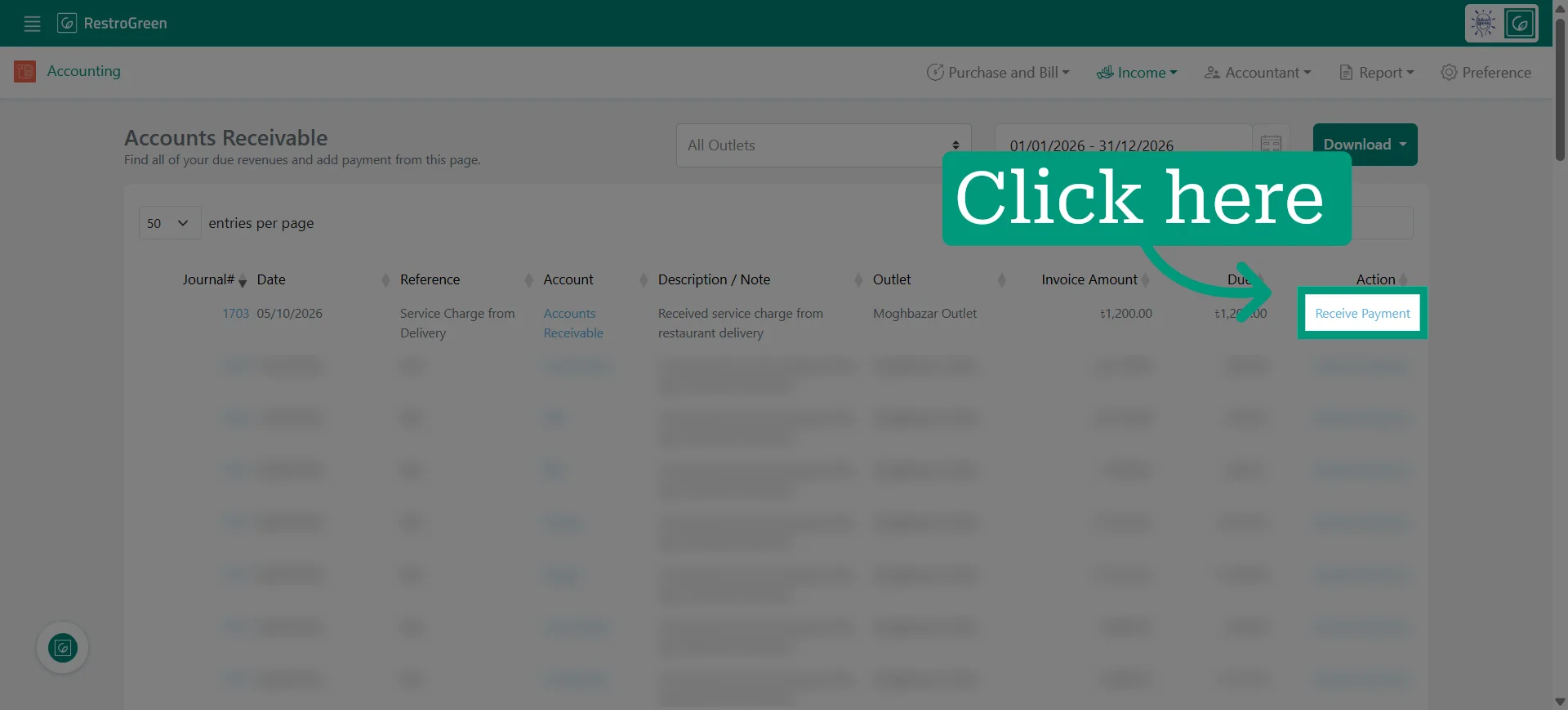
4. Click Receive Payment beside the particular receivable you want to collect payment for
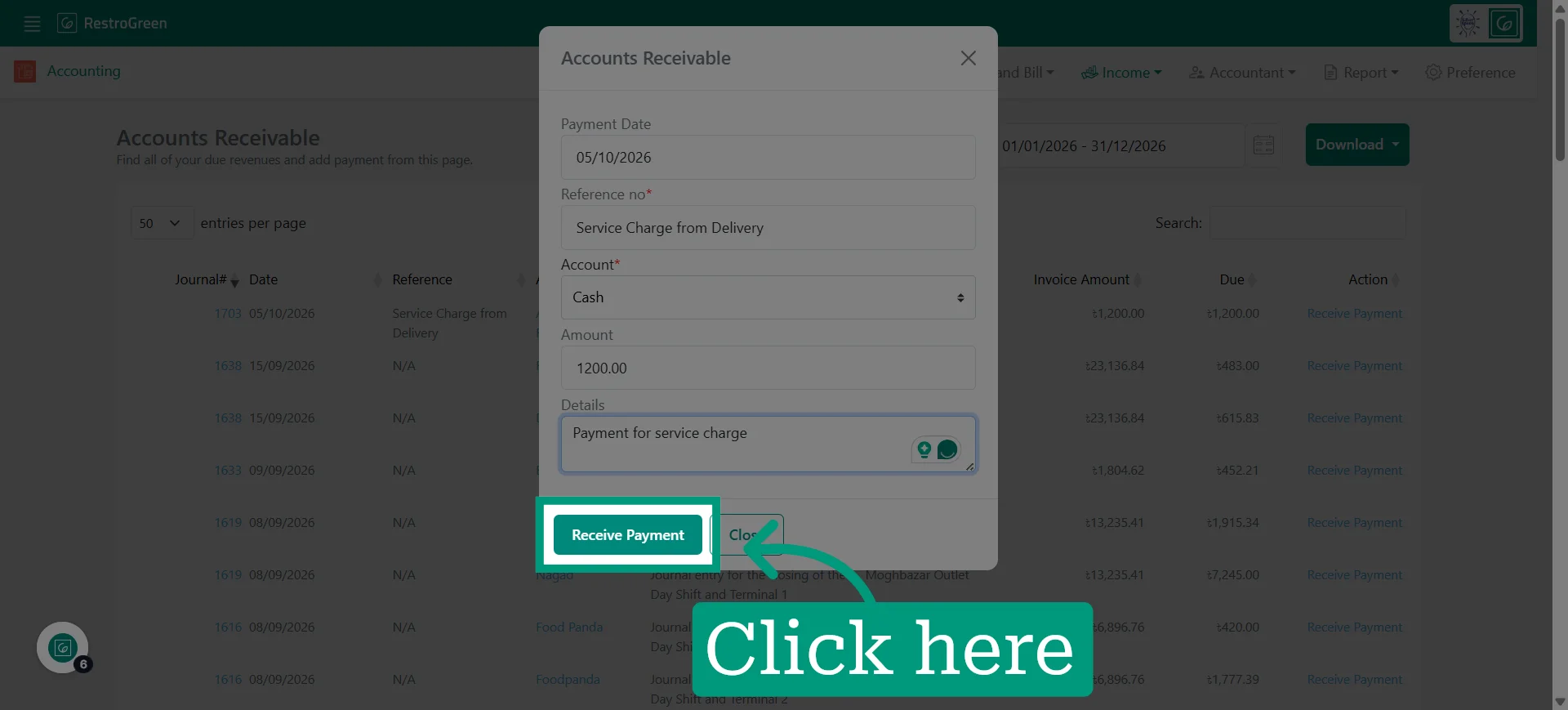
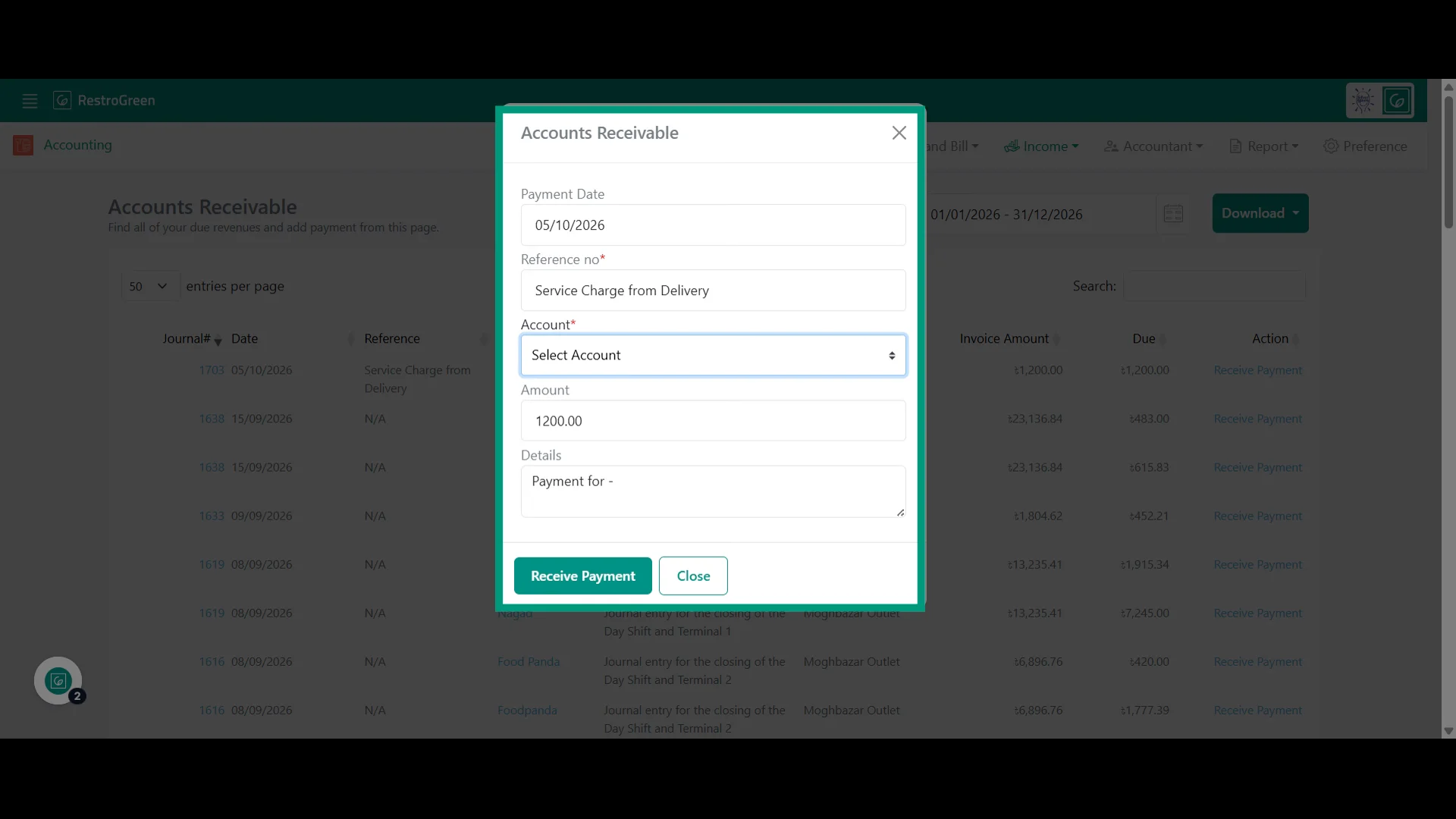
5. A payment window will appear with the current date selected as the payment date
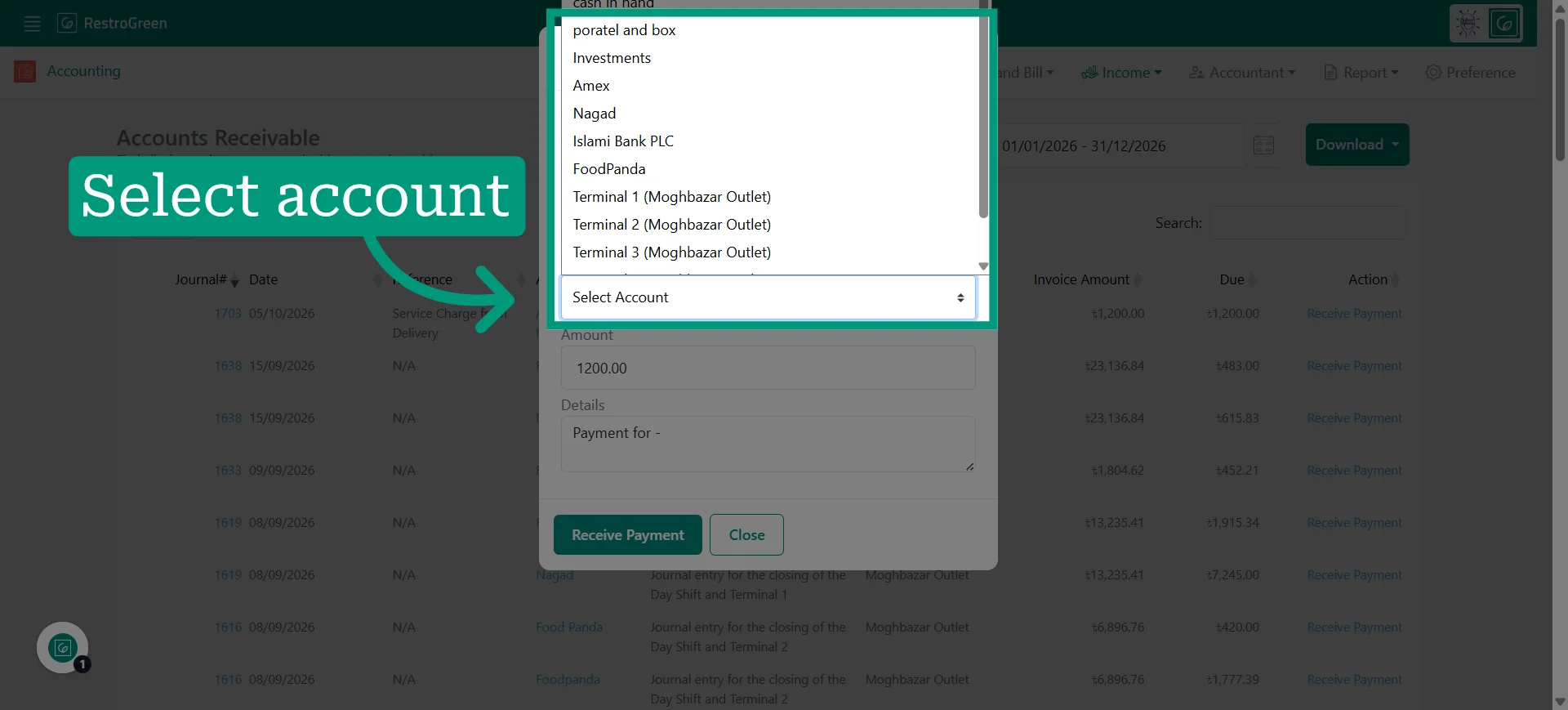
6. Select the account where you want the payment to be recorded
7. Click Confirm to complete the transaction